
You can convert AVIF to JPG online for free in under a minute: open the free AVIF to JPG Converter, add your .avif file, leave quality around 88–90, and download a JPG that opens everywhere. AVIF is an excellent format that a lot of everyday software still cannot read — conversion is how you make the photo usable, not a downgrade of the photo itself.
AVIF files usually arrive from newer phones, cameras, screenshots and websites that serve AVIF to save bandwidth. The problem shows up when you try to open one in an older photo viewer, attach it somewhere, or upload it to a form that only accepts JPG and PNG. This guide explains why that happens, how to convert safely, and how to keep an original AVIF as your master copy.
AVIF to JPG in 4 Steps
- Open the converter. Go to the AVIF to JPG Converter — it runs in your browser, so the file stays on your device.
- Add your AVIF file. Drag the .avif image in or click to browse.
- Set quality. 88–90 keeps photos visually faithful. Use the high end for prints and the lower end for web use.
- Download and check. Open the JPG at 100% zoom and compare a detailed area — hair, text, foliage — before sharing it.
Tool preview: an AVIF becomes a JPG
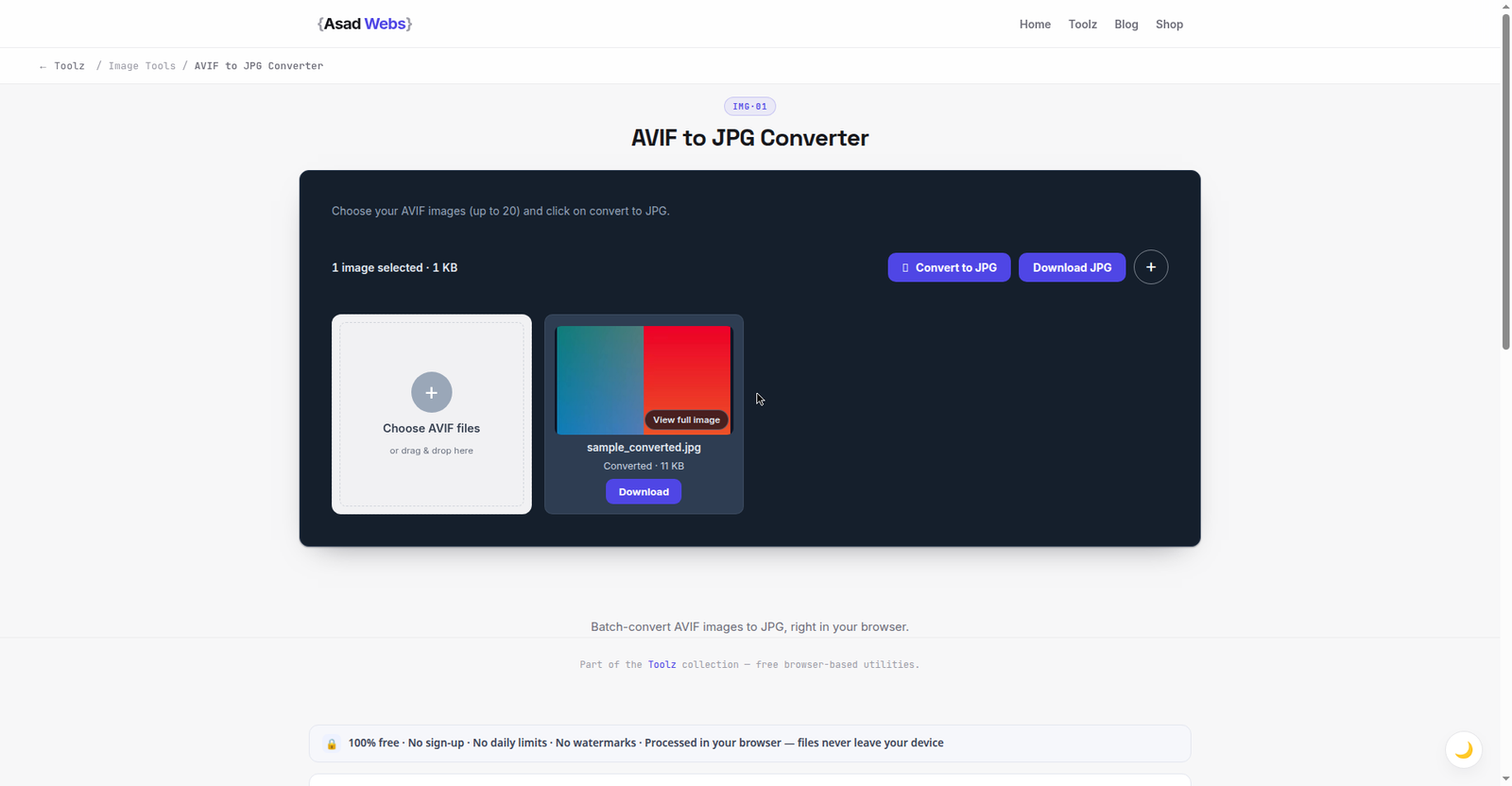
The live converter rescuing the format this guide is about: an AVIF in, an 11 KB JPG out that opens anywhere. Click the preview to convert your own AVIF.
Why AVIF Files Refuse to Open
AVIF is built on a modern video codec, which is why it compresses photos so well — often noticeably smaller than JPG at similar quality. The catch is support. Newer browsers and operating systems read AVIF fine, but plenty of older editors, office tools, email clients, printers and upload forms were built before AVIF existed and simply reject it or show a blank thumbnail.
That support gap, not a corrupt file, is the usual reason an AVIF 'won't open'. Converting to JPG solves it permanently because JPG is the most widely supported image format in existence: every phone, browser, editor and form accepts it. If you regularly receive modern formats from different sources, our broader guide to converting any image to JPG covers HEIC, WebP, PNG and SVG in one place.
Typical file size for one detailed 12 MP photo by format (MB, illustrative) — hover or tap each bar for details.
Where AVIF Files Come From
Knowing the sources helps you stop fighting the format one file at a time. The common ones: websites serving AVIF — many modern sites and image CDNs automatically deliver AVIF to browsers that support it, so an image you save from the web may arrive as .avif even though the site also holds other formats; newer phones and cameras — some Android devices and mirrorless cameras offer AVIF (or the closely related HEIF family) as a space-saving capture format; screenshots and screen recordings from tools that picked the newest codec; and AI image generators and stock libraries, which increasingly deliver AVIF by default. Where you control the source — your own camera app or export settings — choosing JPG at capture is still the path of least resistance for office workflows. Everywhere else, conversion on arrival is the practical answer, which is what the rest of this guide covers.
What Happens to Quality and File Size?
JPG is lossy, so converting discards a small amount of data — at quality 88–90 that loss is not visible in normal photos. File size usually grows compared with the AVIF, because AVIF's compression is genuinely better; that growth is the price of universal compatibility, and it is modest for single photos. The table below shows typical outcomes, and the chart shows the size trade-off for one detailed photo.
If the JPG is headed for your website, do not stop at conversion: resize it to its display size and compress it properly. Our guide to compressing images without losing quality walks through that workflow, and for new uploads you may prefer keeping AVIF or WebP on the site itself — our WebP conversion guide explains when each format wins.
| Photo type | Typical AVIF | JPG at quality 90 | Notes |
|---|---|---|---|
| Phone photo, 12 MP | ≈1.5 MB | ≈3.5 MB | No visible difference on screen |
| Detailed landscape | ≈2.5 MB | ≈5 MB | Check fine foliage at 100% zoom |
| Screenshot / graphic | ≈0.4 MB | ≈0.9 MB | PNG may keep text edges cleaner |
| Product photo | ≈1.2 MB | ≈2.8 MB | Fine for marketplaces and forms |
Which Quality Setting Should You Pick?
The steps above suggest 88–90 as a default; the right number depends on where the JPG is going. Use this as the decision table:
| Destination | Quality | Why |
|---|---|---|
| Print (photo prints, documents) | 92–95 | Prints reward the extra data; file size rarely matters |
| Sharing the 'good copy' (family, clients) | 90 | Visually faithful at a sensible size |
| Website pages and product photos | 85–88 | Then resize to display size — the resize saves more than the quality drop costs |
| Email attachments and upload forms | 80–85 | Forms often cap file size; screens forgive the small difference |
| Thumbnails and previews | 75–80 | Small display size hides compression; keep files tiny |
Two settings to avoid: quality 100, which multiplies file size for a difference no eye can find in a photograph, and anything under 70 for photos you care about, where blocky artefacts appear in skies and skin tones. When in doubt, convert twice at two settings and compare the detailed area at 100% zoom — thirty seconds of looking beats a table of rules.
When You Should NOT Convert to JPG
Keep the AVIF when your destination supports it: modern websites serving AVIF load faster, and an AVIF master stores more quality per megabyte than a JPG master ever will. Convert a JPG copy for delivery — email, forms, older software, a client on an old laptop — and archive the AVIF untouched. That two-copy habit is the same rule we recommend for TIFF archives and HEIC originals.
One more exception: images with transparency. JPG has no alpha channel, so a transparent AVIF converted to JPG gains a solid background. If you need transparency preserved, convert to PNG instead. The full set of converters is on the free tools page.
Troubleshooting: Colours Look Different After Conversion
AVIF supports wide colour gamuts and HDR, while a standard JPG is usually sRGB. A photo shot in a wide gamut can look slightly flatter or shifted after conversion — that is the colour space being mapped down, not damage. For web and office use sRGB is the correct target anyway, because it is what most screens display. If a colour-critical print is the goal, work from the original file in a proper editor rather than a browser conversion.
Five AVIF Conversion Mistakes
- Deleting the AVIF after converting. The JPG is a delivery copy, not the master. AVIF stores more quality per megabyte than JPG ever will — archive the original and convert fresh copies whenever a destination needs one.
- Converting everything at quality 100. The files balloon and photographs gain nothing visible. Pick the setting by destination, using the table above.
- Sending screenshots with text to JPG. JPG's compression smears sharp text edges; the size table above shows the trade. For screenshots and graphics, PNG usually keeps the crisper result.
- Converting when the destination already supports AVIF. Your own modern website is the main case: serving AVIF there is faster for visitors. Convert for compatibility, not by habit.
- Re-converting back and forth. Every JPG save discards a little more data (generation loss). Always convert from the AVIF master, never from a previous JPG copy.
Converting a batch of mixed phone photos for a website or a client? The Asad Webs blog covers image formats and site speed in plain language — and the converter above handles the files themselves in a minute.
Preparing images for a website or online store? Getting formats right is one piece of a professional catalogue. Book a free consultation — we build stores and sites with the full image workflow baked in.
Frequently Asked Questions
Is the AVIF to JPG converter really free?
Yes. The AVIF to JPG Converter is free, needs no account, and runs in your browser, so your photo is not uploaded to a server.
Why won't my AVIF file open in my photo app?
The app almost certainly predates AVIF support. The file is usually fine — converting it to JPG makes it open in virtually any app, editor or upload form.
Does converting AVIF to JPG lose quality?
At quality 88–90 the loss is not visible in ordinary photos. Keep the original AVIF as your archive master so you always retain the best copy.
Why is the JPG bigger than the AVIF?
AVIF uses a much newer compression method than JPG, so the same photo takes more bytes as a JPG. That extra size is the trade for universal compatibility.
Can I convert AVIF with transparency to JPG?
You can, but JPG cannot store transparency, so transparent areas become a solid colour. If transparency matters, convert to PNG instead.
Can I convert AVIF to JPG on my phone?
Yes — the converter runs in your phone's browser the same way it does on a computer, and the file stays on your device. Convert, then share or upload the JPG from the same phone.
Is AVIF better than WebP?
For photos, AVIF usually compresses a little smaller than WebP at the same visual quality, and supports HDR and wider colour. WebP is older, so support in everyday software is somewhat broader, and it is the safer website default today. Both beat JPG on size; JPG still wins on universal compatibility, which is why you are converting to it.
Be the first to share a useful question or thought.